
Introduction
Privileged Identity Management is one of the most effective controls for reducing standing access in Azure and Entra ID. Users request elevated access when they need it, use it, and the access expires automatically. The security benefits are clear.
But once PIM is running, visibility becomes a challenge. When someone asks who activated Global Administrator privileges last week, or whether there are users activating roles outside business hours, answering that question means digging through audit logs or writing queries from scratch. That takes time, and the answers aren't always easy to find.
This workbook solves that problem. It provides a single dashboard for monitoring PIM activation activity across Entra ID roles, Azure resource roles, and PIM-enabled groups.
Get Instant Access to This Solution
Download the ready-to-deploy workbook and have visibility into PIM activity today
MVP-Built Solutions • Production-Ready • Complete Documentation
What the Workbook Provides
The workbook is organized into four tabs, each designed to answer specific questions about PIM activity in your environment.
1. Overview Tab
Your starting point for understanding PIM activity at a glance.
- Total activations across all PIM categories
- Unique users who elevated their access
- Breakdown by Entra ID roles, Azure roles, and PIM groups
- Activation trends over time to spot unusual patterns
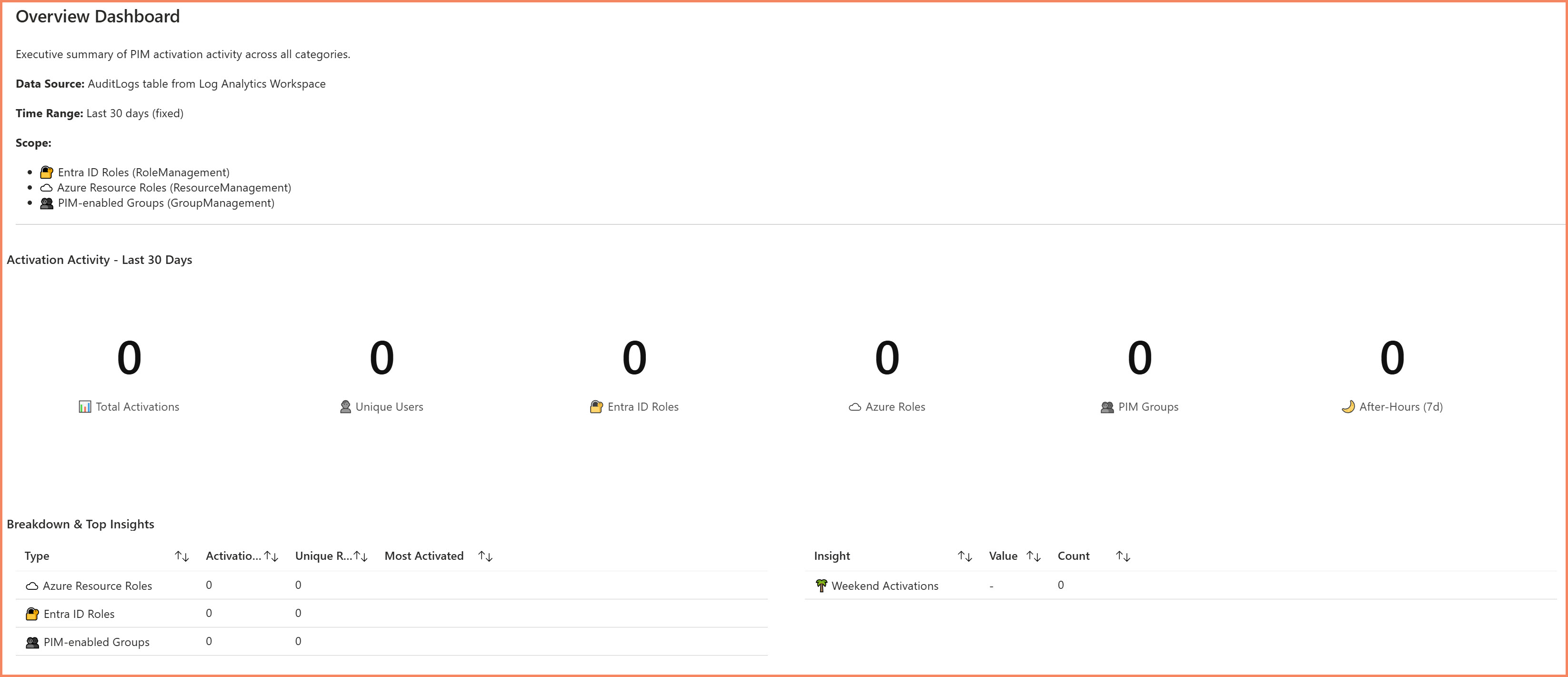
Overview tab showing 30-day activation summary across all PIM categories
2. Activation History Tab
Detailed records of every PIM activation for audits and investigations.
- Timestamp, user, and role for each activation
- Success and failure status
- Filtering by time range, user, role, or category
- Exportable data for compliance reporting
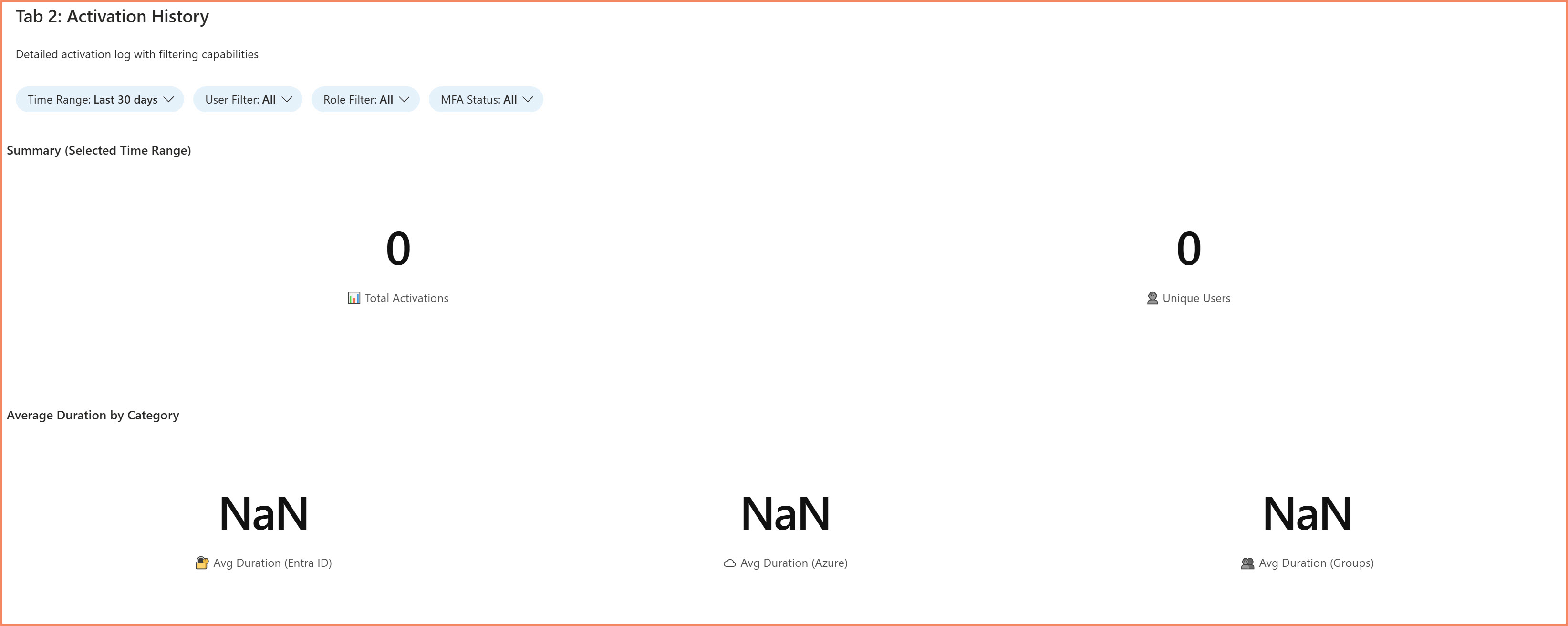
Activation History tab with filterable activation records
3. Assignment Changes Tab
Track modifications to PIM eligibility and permanent assignments.
- New users made eligible for privileged roles
- Eligibility removals during offboarding
- Permanent active assignments bypassing PIM
- Changes to assignment scope or duration
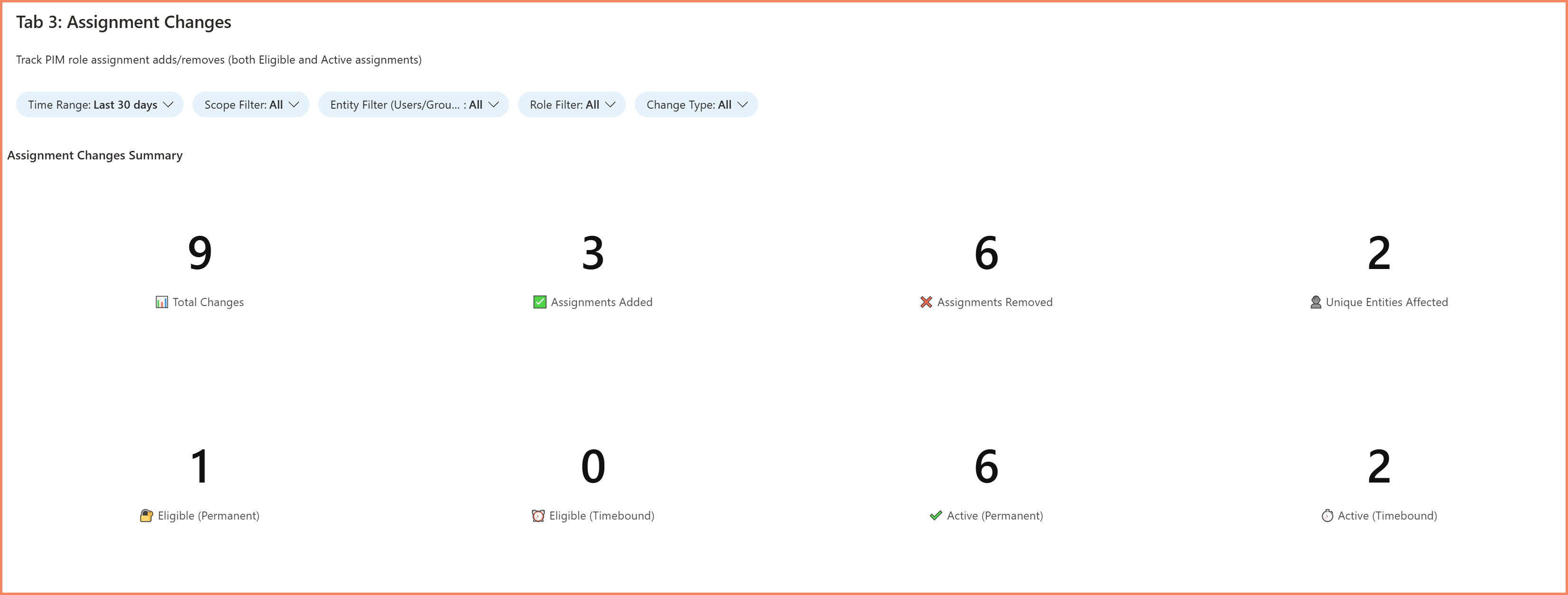
Assignment Changes tab tracking eligibility modifications
4. Activation Alerts Tab
Flagged activities that warrant security review.
- Activations outside normal business hours
- Users with unusually high activation frequency
- Failed activation attempts
- Sensitive role activations (Global Administrator, etc.)
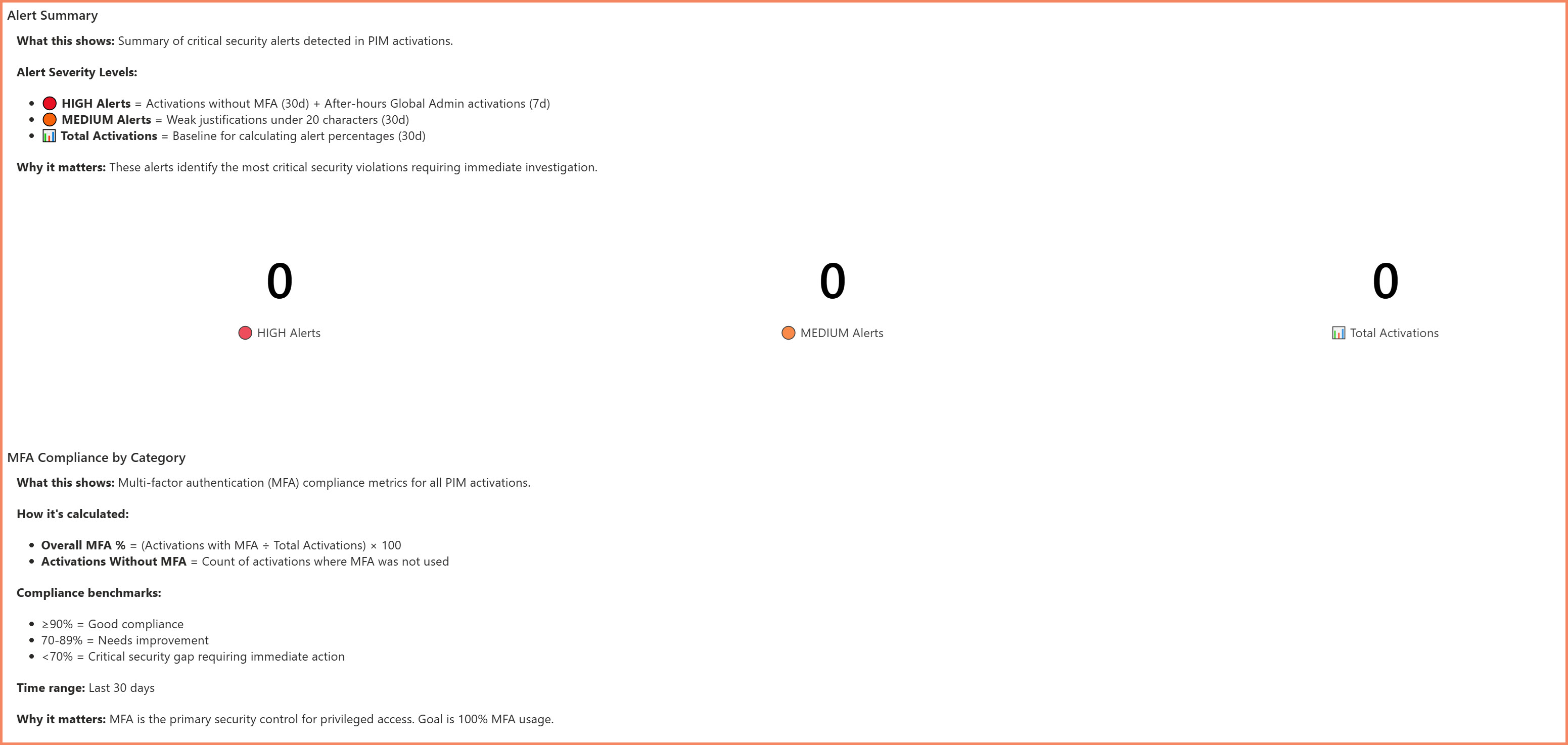
Activation Alerts tab highlighting activities that need review
Coverage
The workbook covers all three PIM categories: Entra ID directory roles like Global Administrator and Security Administrator, Azure resource roles like Owner and Contributor at any scope, and PIM-enabled group memberships. This gives you a complete picture of privileged access activity across your organization.
Who This Is For
- Security Teams — Monitor privileged access patterns and investigate incidents. When there's a question about what elevated access was used during a specific timeframe, the activation history provides the answer.
- Compliance Officers — Provide audit evidence for SOC 2, ISO 27001, and other frameworks that require documentation of privileged access controls.
- Identity Administrators — Review PIM eligibility during access reviews and identify assignments that are no longer needed.
What's Included
Members receive the complete Azure Monitor workbook ready to deploy, along with documentation covering deployment and configuration. As Microsoft updates the platform, the workbook is updated to match, and members receive those updates as part of their subscription.
Get Visibility into PIM Activity
Download the workbook and deploy it in your environment today
Instant Download • Production-Ready • Full Documentation
About the Author

🎯 Specializations
- Microsoft Defender XDR
- Microsoft Sentinel SIEM & SOAR
- Microsoft Entra ID (Azure AD)
- Microsoft Intune
- Azure Arc Services
- Azure Log Analytics
- Azure Automation
- Hybrid Cloud Management